
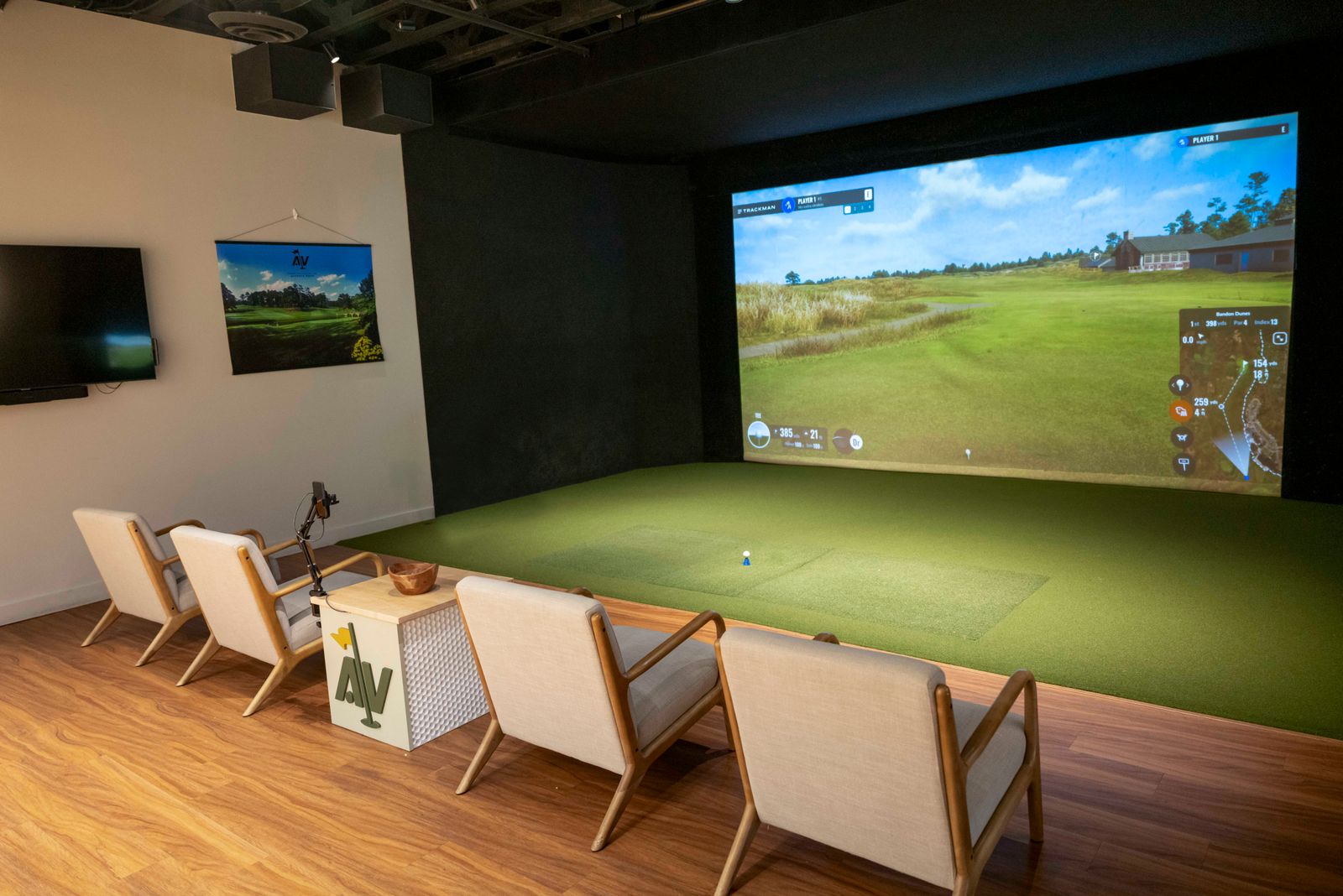
Reboot the Trackman computer
Find the Samsung 65″ TV in your bay
The TV, not the computer monitor.
Find the reset button
It's on the back right side of the TV.
Press it once
The Trackman, computer and projector all reboot automatically.
Wait 30 seconds
Give the system time to fully restart.
Open Trackman
Click the Trackman software icon on the desktop to launch it.
Turn on the computer monitor
Press the power button on the bottom right side of the monitor. A blue light means it's on.
Turn on the projector
Grab the white projector remote
Point it at the front of the projector
The remote needs a clear line to the front to work.
Press the green power button